
Granny

Related apps





Description
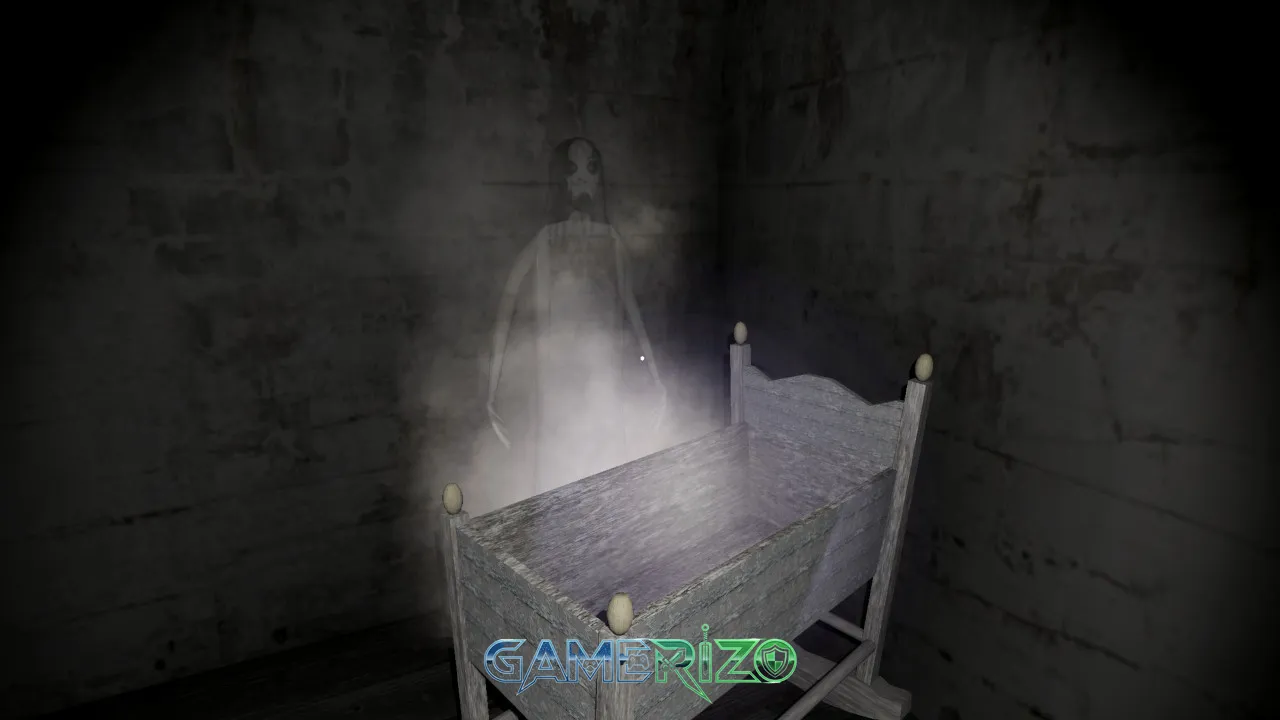
Granny PC has taken the horror gaming community by storm, becoming one of the most downloaded survival horror games worldwide. This spine-chilling first-person horror experience challenges players to escape from a creepy house while avoiding a terrifying grandmother who hears everything. Whether you’re a horror enthusiast or curious about what makes Granny PC so addictively terrifying, this comprehensive guide covers everything from gameplay mechanics to expert tips for surviving your five-day ordeal.
In this detailed review, we’ll explore why Granny PC has captivated millions of players, dissect its unique gameplay mechanics, and help you determine if this horror masterpiece deserves a spot in your gaming library.
Overview of Granny PC Game
Granny PC is a first-person survival horror game developed by DVloper that combines stealth mechanics with puzzle-solving elements. Released initially for mobile devices and later adapted for PC, the game has garnered over 100 million downloads across all platforms, cementing its status as a modern horror gaming phenomenon.
The premise is deceptively simple: you wake up in a dark, decrepit house with no memory of how you got there. Your objective is to escape within five days before Granny catches you. Every creak, every dropped item, and every misstep alerts Granny to your location, creating an atmosphere of constant tension that keeps players on edge throughout the entire experience.
What Makes Granny PC Stand Out
| Aspect | Description |
|---|---|
| Genre | Survival Horror, Stealth, Puzzle |
| Developer | DVloper |
| Platform | PC (Windows), Mobile (iOS/Android) |
| Gameplay Style | First-Person Perspective |
| Difficulty Levels | Easy, Normal, Hard, Extreme |
| Average Playtime | 2-4 hours (varies by difficulty) |
The game’s minimalist approach to horror proves that you don’t need AAA graphics to create genuine fear. Instead, Granny PC relies on atmospheric sound design, intelligent AI behavior, and psychological tension to deliver scares that linger long after you’ve closed the game.
Gameplay Mechanics and Core Loop
How Granny PC Works
The gameplay in Granny PC revolves around a time-limited escape challenge. Players have five in-game days (attempts) to unlock the front door and escape the house. Each day represents one life, and if Granny catches you, you’ll wake up the next day in the starting bedroom with one fewer chance remaining.
Core Gameplay Elements:
- Stealth Movement: Walking slowly reduces noise, while running creates sound that immediately alerts Granny
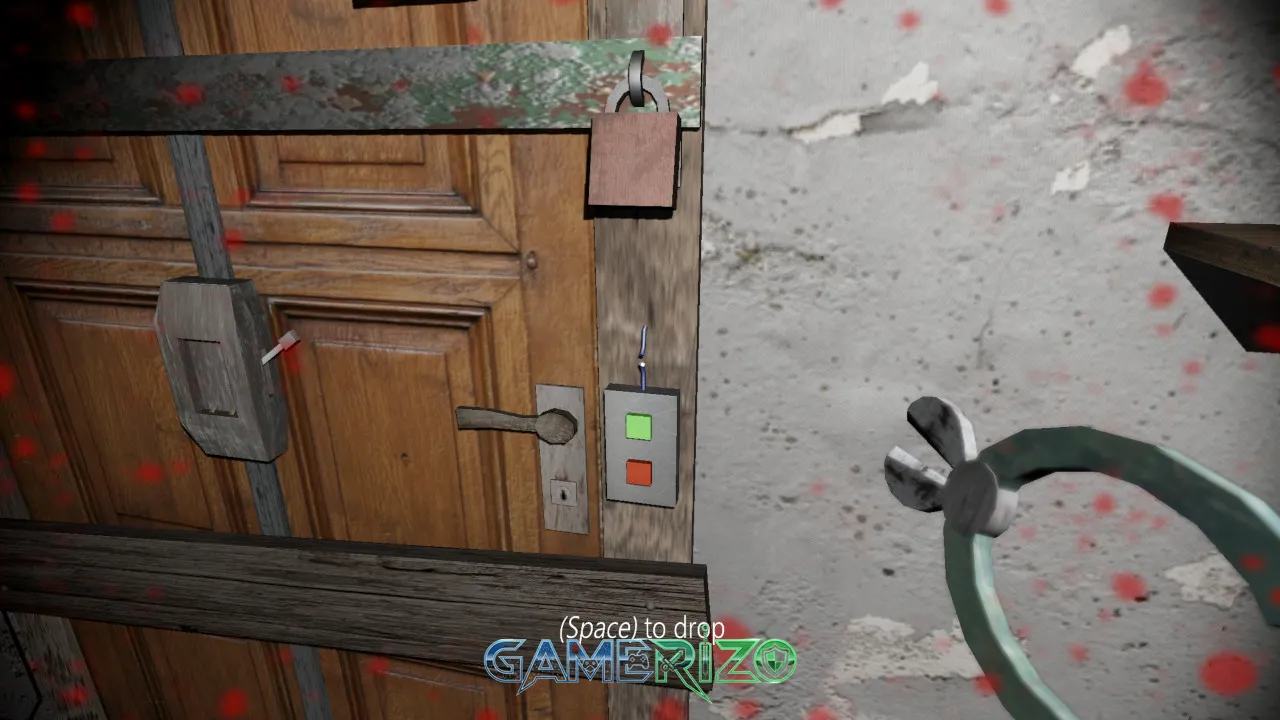
- Item Collection: Scattered throughout the house are keys, tools, and objects needed to unlock the exit
- Hiding Mechanics: Beds, closets, and cabinets serve as temporary safe zones when Granny is nearby
- Sound-Based AI: Granny’s AI responds to every noise you make, creating dynamic and unpredictable encounters
- Puzzle Solving: Multiple puzzles must be solved to access different areas and ultimately unlock the main door
Exploration and Strategy
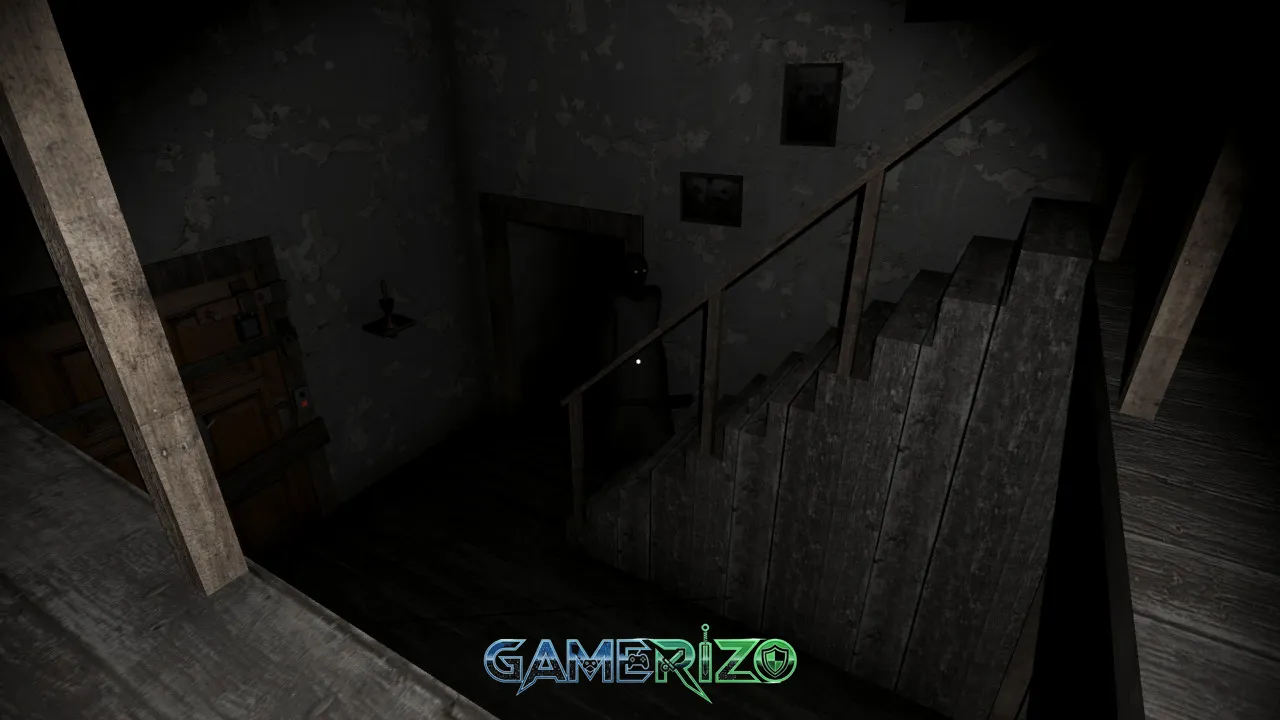
Success in Granny PC requires careful planning and spatial awareness. The house features multiple rooms across several floors, including a basement, attic, and hidden passages. Each area contains crucial items, but also presents unique dangers.
Players must memorize the house layout, learn optimal hiding spots, and develop efficient routes for item collection. The game rewards patience and punishes recklessness, making every decision meaningful. Dropping a glass bottle or accidentally bumping into a china cabinet can mean the difference between survival and capture.
Difficulty Settings That Change Everything
Granny PC offers four difficulty modes that dramatically alter the gameplay experience:
- Easy Mode: Granny is slower and less perceptive, ideal for beginners
- Normal Mode: Balanced difficulty with standard AI behavior
- Hard Mode: Granny moves faster and hears more sounds
- Extreme Mode: Near-impossible challenge with instant-kill mechanics
Story and Atmosphere
The Narrative Behind Granny PC
While Granny PC doesn’t feature a complex narrative structure, its environmental storytelling creates an unsettling atmosphere that raises more questions than answers. The decrepit condition of the house, family portraits scattered throughout, and disturbing items hidden in various rooms hint at a dark backstory.
Players piece together fragmented clues about who Granny is and why she’s keeping people prisoner in her home. This minimalist storytelling approach allows players to fill in the blanks with their imagination, often making the experience more terrifying than any explicit narrative could achieve.
Audio Design Excellence
The sound design in Granny PC deserves special recognition. The creaking floorboards, Granny’s unsettling humming, distant footsteps, and sudden silence before an encounter all contribute to an audio landscape that keeps players perpetually anxious. Wearing headphones transforms Granny PC from a tense game into a genuinely frightening experience.
Key Features That Define Granny PC
Intelligent AI System
Granny’s artificial intelligence is remarkably sophisticated for an indie horror game. She doesn’t follow scripted patrol routes; instead, she investigates sounds and searches areas where she suspects the player might be hiding. This unpredictability ensures that no two playthroughs feel identical.
Multiple Escape Routes
Unlike many horror games with linear solutions, Granny PC offers multiple methods to escape. Players can unlock the front door (the standard method), escape through the car in the garage, or find alternative exits. This variety encourages experimentation and replay value.
Customization Options
The PC version includes customization settings that allow players to adjust various gameplay elements:
- Graphics quality settings for optimal performance
- Sensitivity adjustments for mouse controls
- Extra modes including Practice Mode for exploration without consequences
- Accessibility options for different playstyles
Regular Updates and Content
DVloper continues supporting Granny PC with updates that add new rooms, items, and mechanics. The addition of Slendrina (Granny’s granddaughter) and the spider in the basement introduced new threats that complicate escape strategies.
Pros and Cons of Granny PC
Advantages
| Pros | Details |
|---|---|
| Genuine Horror Atmosphere | Effectively creates tension and fear without relying on jump scares |
| High Replay Value | Multiple difficulties and escape methods encourage repeated playthroughs |
| Smart AI Design | Granny’s behavior feels organic and challenging rather than cheap |
| Accessible Price Point | Free on mobile, affordable on PC with no intrusive monetization |
| Regular Content Updates | Developer actively improves and expands the game |
| Cross-Platform Availability | Play on PC, iOS, or Android with consistent experience |
Additional Strengths:
- Simple controls that anyone can learn within minutes
- No complicated tutorials or hand-holding
- Short play sessions perfect for quick gaming breaks
- Active community sharing strategies and speedrun attempts
- Mod support (unofficial) extending gameplay possibilities
Disadvantages
| Cons | Details |
|---|---|
| Limited Graphics Quality | Visuals are functional but not particularly impressive |
| Repetitive After Multiple Runs | House layout remains static across playthroughs |
| Occasional AI Glitches | Granny sometimes gets stuck or behaves unexpectedly |
| Steep Learning Curve | First-time players may feel frustrated by the difficulty |
| Limited Story Content | Minimal narrative may disappoint story-focused players |
Additional Weaknesses:
- Some puzzles lack logical clarity without external guides
- Performance optimization issues on lower-end PCs
- Jump scares can feel excessive in certain situations
- Limited replayability once you’ve mastered all escape routes
Performance and Optimization on PC
Granny PC runs smoothly on most modern computers, with modest system requirements that make it accessible to players with older hardware. The game’s simple graphics mean you won’t need a high-end gaming rig to enjoy smooth framerates.
PC players benefit from superior controls compared to the mobile version. Mouse and keyboard input provides more precise movement and faster reaction times, which can be crucial when Granny is closing in. The ability to adjust graphics settings also ensures players can prioritize performance over visual quality if needed.
Community and Longevity
The Granny PC community remains vibrant years after the game’s initial release. YouTube and Twitch content creators continue producing gameplay videos, speedrun attempts, and challenge runs that keep the game relevant. The speedrunning community has developed optimized routes that complete the game in under three minutes, showcasing the depth of mastery possible.
Fan theories about Granny’s backstory, connections to other DVloper games, and Easter eggs hidden throughout the house contribute to an engaged fanbase that extends beyond simple gameplay. This community support ensures that new players always have resources available when they get stuck.
Tips for New Players
Success in Granny PC comes from understanding key strategies:
- Memorize hiding spots in every room before exploring risky areas
- Drop items in safe locations to reduce noise when carrying multiple objects
- Learn which items are essential versus optional for your chosen escape route
- Use Practice Mode to explore without pressure before attempting survival runs
- Pay attention to Granny’s eye color changes (red means she’s alerted)
Final Verdict: Is Granny PC Worth Playing?
Rating: 8/10
Granny PC delivers an exceptional horror experience that proves indie games can compete with AAA titles in creating genuine fear and tension. Despite modest graphics and occasional technical hiccups, the game’s intelligent AI, atmospheric sound design, and satisfying puzzle mechanics make it a must-play for horror enthusiasts.
The game excels at creating that rare gaming experience where every moment feels dangerous, and success feels genuinely earned. Whether you’re seeking a challenging stealth experience, enjoy horror games, or simply want to understand what made this game a cultural phenomenon, Granny PC offers hours of nerve-wracking entertainment.
Best For: Horror fans, stealth game enthusiasts, players who enjoy puzzle-solving under pressure, speedrunners seeking optimization challenges
Not Recommended For: Players who dislike jump scares, those seeking story-rich narratives, gamers who prefer action over stealth
For its price point and the sheer amount of tension it generates, Granny PC represents excellent value. The game’s difficulty curve may frustrate some players initially, but perseverance rewards you with one of the most satisfying escape experiences in modern horror gaming.
Frequently Asked Questions (FAQ)
Is Granny PC free to play?
Granny PC is free on mobile platforms (iOS and Android) with optional ads. The PC version is available on Steam for a small one-time purchase, typically under $5, with no additional in-app purchases or microtransactions.
Can I play Granny PC offline?
Yes, Granny PC can be played completely offline without an internet connection. All game content is available locally, making it perfect for gaming on the go or in areas with limited connectivity.
How long does it take to beat Granny PC?
Most players complete their first successful escape in 2-4 hours, though this varies significantly based on difficulty level and problem-solving skills. Experienced players can complete runs in under 10 minutes, while newcomers may need several sessions to succeed.
Does Granny PC have jumpscares?
Yes, Granny PC contains jumpscares, particularly when Granny catches you. However, the game relies more on atmospheric tension and sound-based horror rather than excessive jumpscare mechanics, making it more psychologically frightening than startling.
Images



⚙️ Granny System Requirements
Minimum Requirements
- OS *: Windows 7,8,10 64bit
- Processor: Intel Core TM i5 750
- Memory: 4 GB RAM
- Graphics: Sapphire Radeon HD 5770 1GB
- DirectX: Version 11
- Storage: 1400 MB available space
- Additional Notes: With these requirements, it is recommended that the game is played on Low quality settings.
Recommended Requirements
- Not Provided
⬇️ How to Download and Install Granny?
STEP 1: Click the download button below. Wait for about 5 seconds until the download link becomes visible, then click on it to start the download.
STEP 2: Once the file finishes downloading, locate the .zip or .rar file on your PC.
STEP 3: Right-click the .zip file and select ‘Extract to Granny’. (If you don’t have an extractor, install 7-Zip — it’s free and lightweight.)
STEP 4: After extraction, open the newly created folder.
STEP 5: Run the game’s executable file as Administrator for best performance and compatibility.
STEP 6: If you encounter any missing DLL or runtime errors, open the Redist or _CommonRedist folder inside the game directory and install the required components.
Enjoy the game! 🎮
Latest Games
-
 Call of Duty: Vanguardv1.26 Sledgehammer Games
 -
Assassin’s Creed Miragev1.06 Ubisoft Bordeaux
-
F1 251.0 Codemasters
-
FIFA 22Build 10461903 EA Sports
-
Escape From Duckovv1.3.13 Team Soda
-
Schedule Iv0.4.1f13 TVGS
-
Tainted Grail: The Fall of Avalonv1.15.0 Questline
-
Borderlands 4v1.0 Gearbox Software
-
Hollow Knight: Silksongv1.0.29242 Team Cherry
-
Valheimv0.221.4 Iron Gate AB
-


Facebook comments