
Monster Hunter Wilds

Related apps





Description
Monster Hunter Wilds PC is the latest mainline entry in Capcom’s legendary action RPG franchise, bringing unprecedented scale, dynamic environments, and enhanced mechanics to PC gamers worldwide. Set to release in 2025, this highly anticipated title promises to revolutionize the hunting experience with cutting-edge graphics, innovative gameplay systems, and a living, breathing ecosystem that reacts to your every move. Whether you’re a veteran hunter or newcomer to the series, this comprehensive guide covers everything you need to know about Monster Hunter Wilds on PC.
Overview of Monster Hunter Wilds PC
Monster Hunter Wilds represents Capcom’s most ambitious project in the franchise’s history, leveraging the power of modern PC hardware to deliver breathtaking visuals and seamless gameplay. Built on the advanced RE Engine, the game introduces dynamic weather systems, massive open environments called the Forbidden Lands, and a story-driven campaign that expands the Monster Hunter universe in exciting new directions.
The PC version specifically benefits from uncapped frame rates, native ultrawide monitor support, and comprehensive graphics customization options. Early previews suggest that Monster Hunter Wilds PC will set new standards for performance optimization, with DLSS 3, FSR 3, and XeSS support confirmed for maximum accessibility across different hardware configurations.
What Makes Monster Hunter Wilds Different
| Feature | Monster Hunter Wilds | Previous Titles |
|---|---|---|
| Environment | Dynamic, living ecosystem | Static zones |
| Weather System | Real-time impact on gameplay | Limited effects |
| Mount System | Seamless transition | Loading screens |
| Multiplayer | Enhanced crossplay | Platform-limited |
| Graphics Engine | RE Engine (latest) | MT Framework/RE Engine |
Gameplay Mechanics and Combat System
Monster Hunter Wilds PC introduces refined combat mechanics that balance accessibility for newcomers with the depth veterans crave. The core gameplay loop remains intact—track monsters, engage in strategic battles, harvest materials, and craft increasingly powerful equipment—but with significant quality-of-life improvements and new systems.
Focus Mode: A Game-Changing Addition
The newly introduced Focus Mode allows hunters to precisely target specific monster body parts while maintaining mobility. This mechanic adds a tactical layer to combat, enabling players to break parts more efficiently and exploit elemental weaknesses with surgical precision. For PC players, mouse and keyboard support has been completely overhauled to accommodate this system, offering exceptional accuracy.
Dynamic Weather and Environmental Hazards
The Forbidden Lands feature dramatic weather transitions that directly impact gameplay. Sandstorms reduce visibility and alter monster behavior, while rainstorms create muddy terrain that affects movement speed. PC gamers will experience these effects with stunning particle systems and realistic physics that showcase the platform’s technical superiority.
Weapon Arsenal and Playstyles
Monster Hunter Wilds PC features all 14 weapon types from previous entries, each receiving significant upgrades:
- Great Sword: Enhanced charged attacks with improved mobility
- Long Sword: Refined spirit gauge mechanics with new combo finishers
- Sword and Shield: Expanded support capabilities and offensive options
- Dual Blades: Faster dodge animations and improved demon mode
- Hammer: New aerial attacks and stunning mechanics
- Hunting Horn: Streamlined buff system with offensive capabilities
- Lance: Counter-focused gameplay with defensive options
- Gunlance: Improved shelling mechanics and heat management
- Switch Axe: Smoother mode transitions and energy management
- Charge Blade: Enhanced phial system with new discharge attacks
- Insect Glaive: Refined aerial combat and kinsect AI
- Bow: Improved charging system and coating management
- Light Bowgun: Enhanced mobility and special ammo types
- Heavy Bowgun: Powerful siege mode and explosive shells
Story and World Building
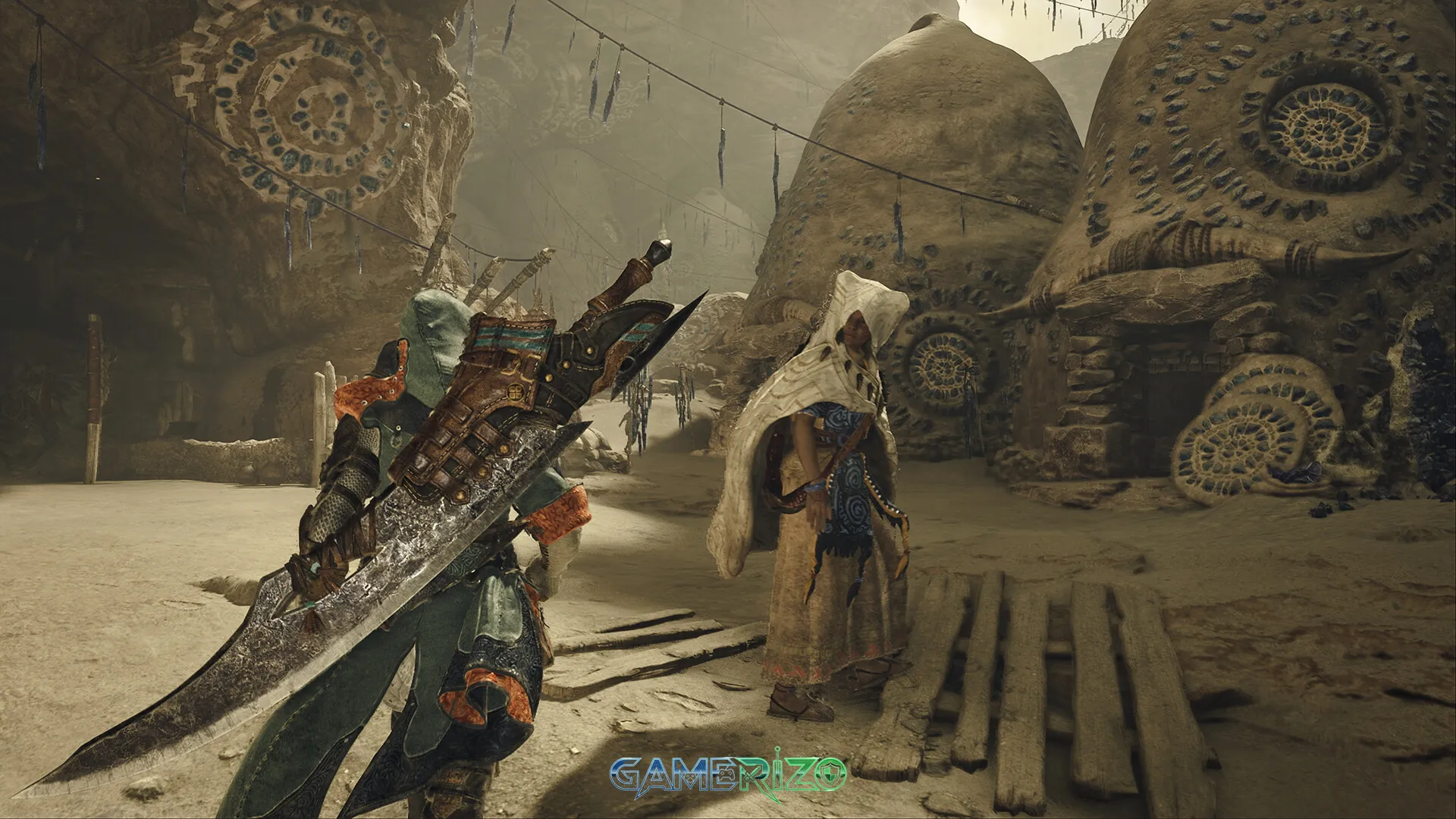
Monster Hunter Wilds PC takes place in the previously unexplored Forbidden Lands, a harsh and unforgiving region where the Guild has minimal presence. Players assume the role of a hunter investigating strange ecological phenomena affecting the region’s delicate balance. The narrative promises deeper character development and more cinematic storytelling compared to previous entries.
The Forbidden Lands Ecosystem
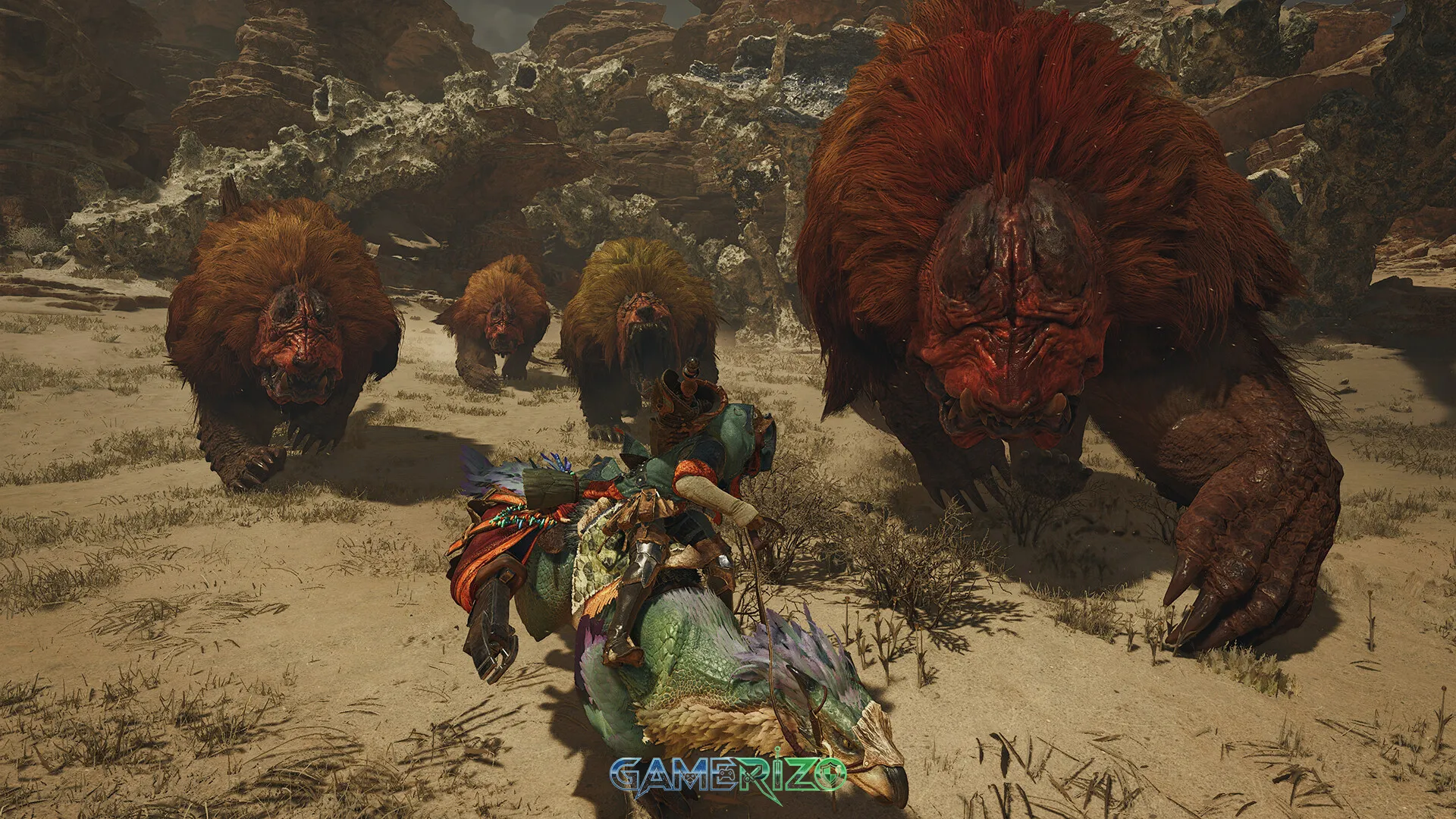
The game world features interconnected zones without loading screens, creating a truly seamless exploration experience. Each region hosts unique flora, fauna, and apex predators that interact with each other in realistic food chains. Witnessing these natural interactions provides strategic information—observing which monsters fear or prey upon others helps hunters plan their approach.
New and Returning Monsters
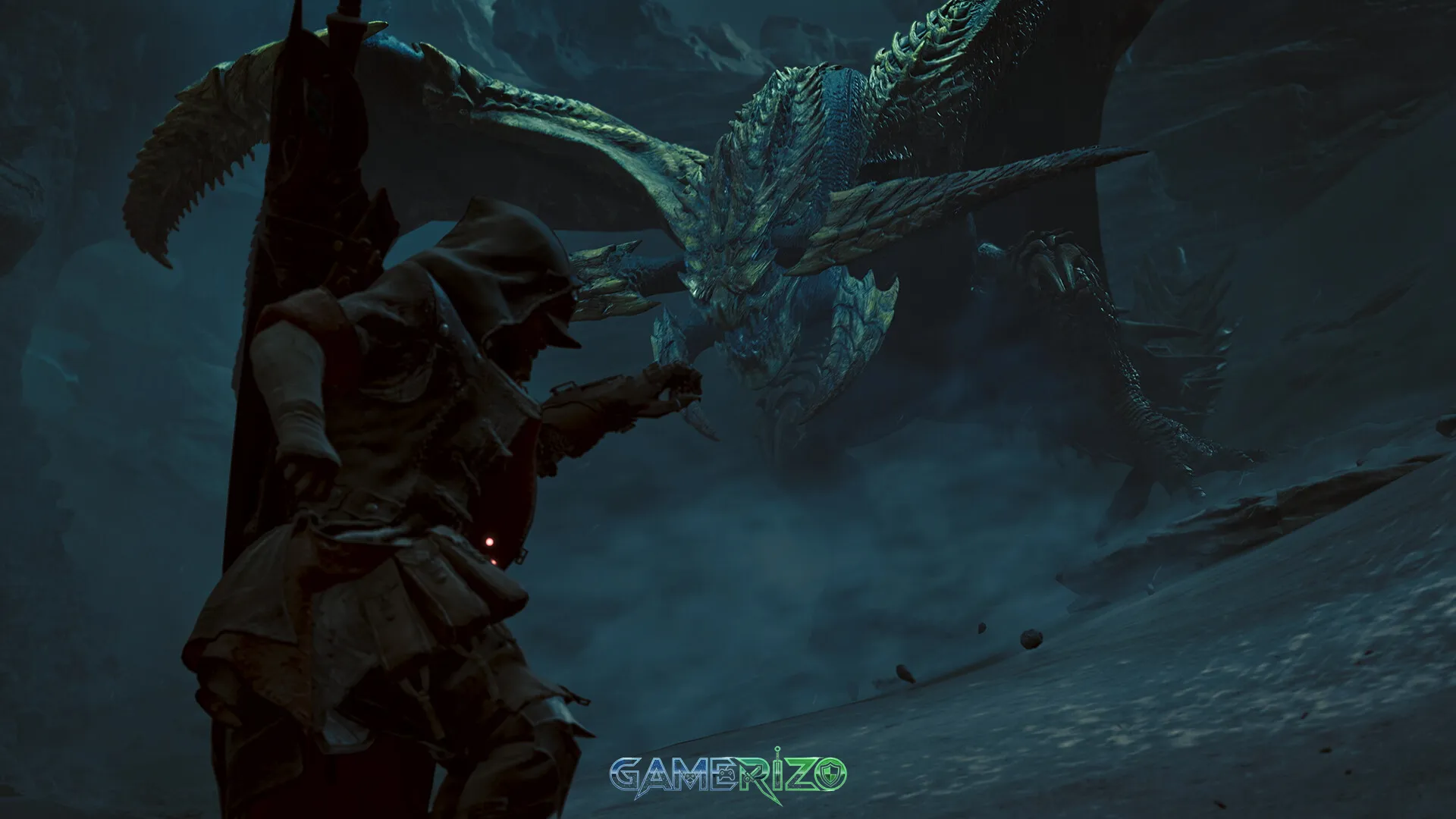
Capcom has confirmed a roster mixing beloved returning monsters with entirely new creatures designed specifically for the Forbidden Lands. The flagship monster, Rompopolo, showcases the game’s advanced AI systems, adapting its tactics based on hunter behavior and environmental conditions. PC’s superior processing power ensures these complex AI routines run smoothly even during intense multiplayer hunts.
Key Features That Define Monster Hunter Wilds PC
Advanced Graphics and Performance Options
Visual Fidelity Enhancements:
- Ray-traced global illumination for realistic lighting
- High-resolution texture packs (4K and beyond)
- Advanced particle effects for weather and combat
- Photorealistic monster models with detailed fur/scale rendering
- Volumetric fog and atmospheric effects
Performance Technologies:
- NVIDIA DLSS 3 with Frame Generation
- AMD FSR 3 with Fluid Motion Frames
- Intel XeSS for Arc GPU users
- Native support for 144Hz+ displays
- Ultrawide and super ultrawide resolution support
Multiplayer and Crossplay Functionality
Monster Hunter Wilds PC fully embraces crossplay, allowing hunters on PlayStation, Xbox, and PC to team up seamlessly. The improved multiplayer lobby system makes it easier than ever to find like-minded hunters, create persistent hunting parties, and tackle the game’s most challenging content together.
Multiplayer Features:
- 4-player co-op for all quests
- Matchmaking based on skill and preferences
- Voice chat integration
- Shared item boxes and camping supplies
- Difficulty scaling based on party size
Quality-of-Life Improvements
The development team has implemented numerous improvements based on community feedback:
- Streamlined Crafting: Automated material management and wishlist system
- Enhanced Tracking: Improved scoutflies and investigation mechanics
- Faster Menu Navigation: Optimized UI designed for both controller and keyboard/mouse
- Training Area: Comprehensive tutorial space for mastering weapons
- Customizable Radial Menus: Fully remappable shortcuts for items and commands
Monster Hunter Wilds PC: Pros and Cons
Pros
✓ Stunning Graphics: RE Engine delivers breathtaking visuals that showcase PC hardware capabilities
✓ Seamless World Design: Elimination of loading screens creates immersive exploration
✓ Refined Combat: Focus Mode and weapon improvements enhance tactical depth
✓ Excellent Optimization: Multiple upscaling technologies ensure smooth performance
✓ Robust Multiplayer: Full crossplay support unites the entire player base
✓ Deep Endgame Content: Hundreds of hours of content for dedicated hunters
✓ Accessibility Options: Comprehensive settings for different skill levels
✓ Regular Updates: Capcom’s commitment to post-launch support and events
Cons
✗ Learning Curve: Combat complexity may overwhelm complete newcomers
✗ Resource Intensive: High-end settings demand powerful PC hardware
✗ Potential Grinding: Material farming can become repetitive for some players
✗ Online Connection Required: Many features require stable internet connectivity
Final Verdict: Is Monster Hunter Wilds PC Worth It?
Monster Hunter Wilds PC represents the franchise at its absolute peak, delivering an uncompromising hunting experience that leverages modern PC technology to create something truly spectacular. The combination of refined combat mechanics, stunning visual presentation, seamless world design, and robust multiplayer functionality makes this the definitive version of the game.
For veteran hunters, the improvements to combat flow, quality-of-life features, and dynamic environments justify the purchase without question. The PC platform’s technical advantages—superior graphics, higher frame rates, and precision controls—elevate the experience beyond console counterparts.
Newcomers will find Monster Hunter Wilds more accessible than previous entries while retaining the satisfying depth that defines the series. The comprehensive tutorials, improved matchmaking, and helpful community ensure that learning the game’s systems never feels overwhelming.
Score: 9.5/10 – Monster Hunter Wilds PC is an essential purchase for action RPG enthusiasts and sets a new benchmark for the franchise. The technical excellence, gameplay refinement, and sheer content volume make it one of 2025’s must-play titles.
FAQ: Monster Hunter Wilds PC
Q1: Does Monster Hunter Wilds PC support crossplay with consoles?
Yes, Monster Hunter Wilds features full crossplay functionality between PC, PlayStation 5, and Xbox Series X|S. Players can hunt together regardless of platform, with shared progression and matchmaking systems.
Q2: What are the best graphics cards for Monster Hunter Wilds PC?
For 1080p gaming at high settings, an NVIDIA RTX 4060 or AMD RX 7600 works well. For 1440p ultra settings with ray tracing, consider an RTX 4070 or RX 7800 XT. 4K gaming requires RTX 4080 or RX 7900 XTX for optimal performance.
Q3: Can I play Monster Hunter Wilds PC solo or is multiplayer required?
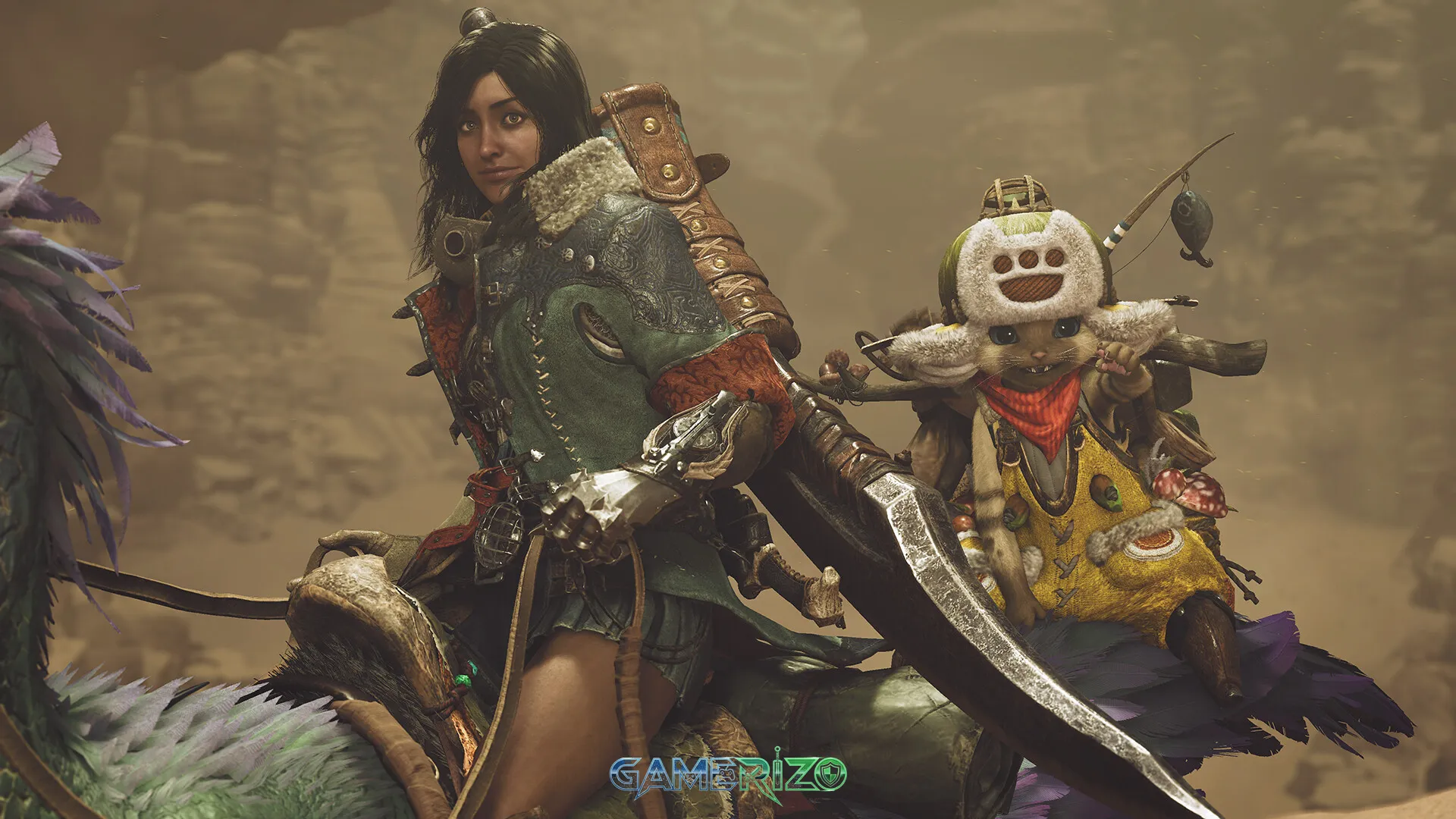
The entire game is fully playable solo with AI companions called Palicos and Palamutes assisting you. Multiplayer is optional but recommended for the most challenging endgame content and collaborative hunting experiences.
Q4: Does Monster Hunter Wilds PC support keyboard and mouse controls?
Yes, Monster Hunter Wilds features completely redesigned keyboard and mouse controls with full rebinding support. The Focus Mode and aiming mechanics work exceptionally well with mouse precision, though controllers remain a popular choice.
Images
⚙️ Monster Hunter Wilds System Requirements
Minimum Requirements
- Requires a 64-bit processor and operating system
- OS: Windows®10 (64-bit Required)/Windows®11 (64-bit Required)
- Processor: Intel® Core™ i5-10400 or Intel® Core™ i3-12100 or AMD Ryzen™ 5 3600
- Memory: 16 GB RAM
- Graphics: NVIDIA® GeForce® GTX 1660(VRAM 6GB) or AMD Radeon™ RX 5500 XT(VRAM 8GB)
- DirectX: Version 12
- Network: Broadband Internet connection
- Storage: 75 GB available space
- Additional Notes: SSD required. This game is expected to run at 1080p (upscaled from 720 native resolution) / 30 fps under the “Lowest” graphics setting. DirectStorage supported.
Recommended Requirements
- Requires a 64-bit processor and operating system
- OS: Windows®10 (64-bit Required)/Windows®11 (64-bit Required)
- Processor: Intel® Core™ i5-10400 or Intel® Core™ i3-12100 or AMD Ryzen™ 5 3600
- Memory: 16 GB RAM
- Graphics: NVIDIA® GeForce® RTX 2060 Super(VRAM 8GB) or AMD Radeon™ RX 6600(VRAM 8GB)
- DirectX: Version 12
- Network: Broadband Internet connection
- Storage: 75 GB available space
- Additional Notes: SSD required. This game is expected to run at 1080p / 60 fps (with Frame Generation enabled) under the “Medium” graphics setting. DirectStorage supported.
⬇️ How to Download and Install Monster Hunter Wilds?
STEP 1: Click the download button. Wait for about 5 seconds until the download link becomes visible, then click on it to start the download.
STEP 2: Once the file finishes downloading, locate the .zip or .rar file on your PC.
STEP 3: Right-click the .zip file and select ‘Extract to Monster Hunter Wilds’. (If you don’t have an extractor, install 7-Zip — it’s free and lightweight.)
STEP 4: After extraction, open the newly created folder.
STEP 5: Run the game’s executable file as Administrator for best performance and compatibility.
STEP 6: If you encounter any missing DLL or runtime errors, open the Redist or _CommonRedist folder inside the game directory and install the required components.
Enjoy the game! 🎮


Latest Games
-
 Call of Duty: Vanguardv1.26 Sledgehammer Games
 -
Assassin’s Creed Miragev1.06 Ubisoft Bordeaux
-
F1 251.0 Codemasters
-
FIFA 22Build 10461903 EA Sports
-
Escape From Duckovv1.3.13 Team Soda
-
Schedule Iv0.4.1f13 TVGS
-
Tainted Grail: The Fall of Avalonv1.15.0 Questline
-
Borderlands 4v1.0 Gearbox Software
-
Hollow Knight: Silksongv1.0.29242 Team Cherry
-
Valheimv0.221.4 Iron Gate AB
-


Facebook comments